How Many Photos a Property24 Listing Needs
Property24's own advice for a great ad is to include 16 unique images, with a recommended size of 1024 × 768 pixels. You can upload more than that — self-service packages allow unlimited photographs — but sixteen different, useful frames is the figure the portal itself sets out on its private-listing page. For a Cape Town house, that usually means a cover exterior, a full walk through the living areas, kitchen, bedrooms and bathrooms, and enough of the garden, parking and views to make the property feel complete.
What Property24 actually says
On its Sell Your Property page, under “What information should I load?”, Property24 lists:
16 unique images
A compelling description
A complete list of property features, including erf size
A street address
Floor plans, if you have them available
On image size, the same page says: “Recommended size: 1024px (width) × 768px (height).”
It also says that ads are subject to a Quality Score, and that “the better and more detailed your ad is, the higher it will stay on the ad pages.” Photos are only one part of that score — description, features, address and, where you have them, floor plans and video all matter — but the image set is the part buyers see first.
We are quoting the live private-listing FAQ as it stood when we checked it in November 2026. Older third-party guides sometimes mention different pixel sizes or a range of 8–16 images. Where those guides disagree with Property24's current page, follow Property24.
What “16 unique images” should actually show
“Unique” means different views, not sixteen slight variations of the same lounge. A practical set for a typical Cape Town home looks like this:
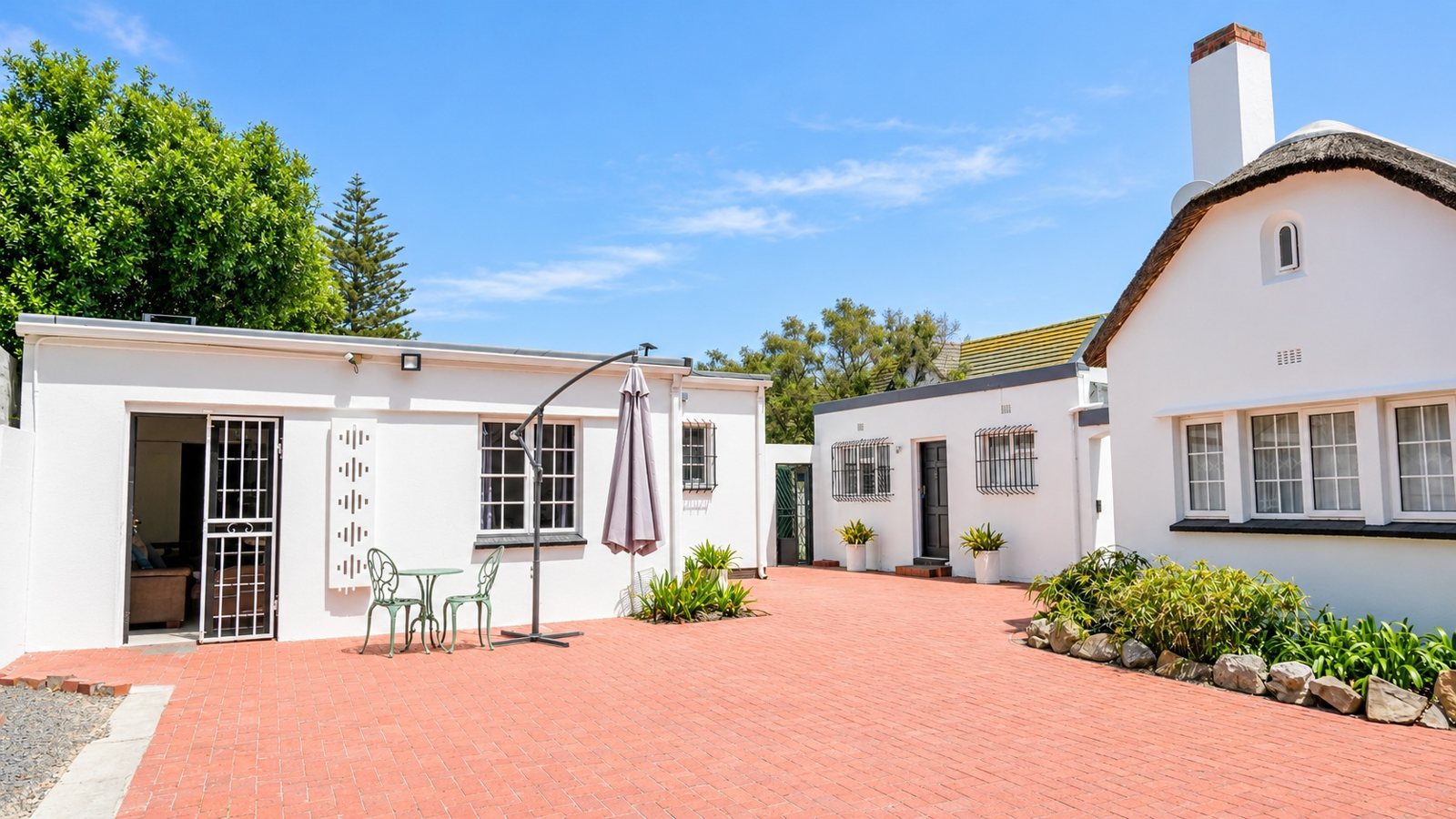
One strong exterior as the cover — the façade in good light, with the driveway or entrance readable.
A second exterior or context frame if it helps: the garden elevation, a view from the stoep, or the building in its street.
The main living room, and a second angle if the room does two jobs (sitting and dining, or sitting and a view).
The kitchen, including enough context to see work space and any informal seating.
Each bedroom, with the bed made and a sense of the room's size. En-suites can be a separate frame.
Bathrooms that a buyer needs to judge, not only the decorative basin.
Outdoor space: patio, pool, garden, braai, or balcony, plus parking if it is a selling point.
One or two honest detail or amenity frames — a fireplace, a scullery, a staff room, a mountain or sea view from the actual window.
A two-bedroom apartment may land close to sixteen frames. A large Constantia or Atlantic Seaboard house will need more, and Property24 allows you to upload them. Padding the gallery with near-duplicates, or with close-ups of taps and cushions at the expense of a missing bedroom, works against the listing.
Cover images, order and honesty
The first image is the one that has to earn the click in a search list. Choose a frame that is bright, straight and immediately readable — usually the exterior, or an interior that shows the property's main advantage, such as a living room opening onto a true view. Do not lead with a gloomy passage or a tightly cropped detail.
Then order the rest as a walk through the house, not as a jumble. Buyers should be able to understand how they move from the entrance to the living areas, to the bedrooms, and outside. If you also have a walkthrough video or a floor plan, the stills and those extras should tell the same story. We cover motion separately in why to add property video.
Edit for colour, straight verticals and a fair representation of light. Do not edit out a neighbouring building, invent a sea view, or widen a room so far that a viewing becomes a disappointment. A listing that overpromises spends its first viewing on damage control.
How this shapes the photoshoot
Tell the photographer that the set has to work on Property24 at 1024 × 768 and upwards, and that you need unique coverage of every sellable space, not a handful of hero shots. A professional shoot is built around that brief: wide, level interiors, exteriors in the right light, and enough frames to fill a complete ad.
Preparation still sits with the seller or occupier. A clean, uncluttered house is easier to cover thoroughly in the time booked. Use the photoshoot checklist the day before. If you also need aerial context for the stand or the views, that is a separate decision, explained in when drone photos help a listing.
Frequently asked questions
Is 16 a hard limit or a minimum?
Property24 recommends 16 unique images for a great ad and, on its self-service packages, allows unlimited photographs. Treat sixteen as a working minimum for a complete residential listing, and add more when the property has more to show.
What happens if my photos are smaller than 1024 × 768?
The portal's published recommendation is 1024 × 768. We deliver files large enough for that, and for slightly larger use in brochures or social crops. Official wording on the FAQ does not spell out a penalty for smaller files, so we will not invent one; use the recommended size.
Do floor plans and video count towards the 16?
No. The 16 unique images are photographs. Floor plans and video are extra items Property24 encourages you to add when you have them.
Can one shoot cover Property24 and an Airbnb listing?
Often, yes, if the brief is agreed upfront. A sales gallery and a short-stay gallery overlap, but Airbnb also has its own resolution and coverage guidance, which we summarise in Airbnb photography in Cape Town.
If you have a listing that needs a complete Property24 set, get a quote for the shoot, or look at finished galleries in the portfolio.
